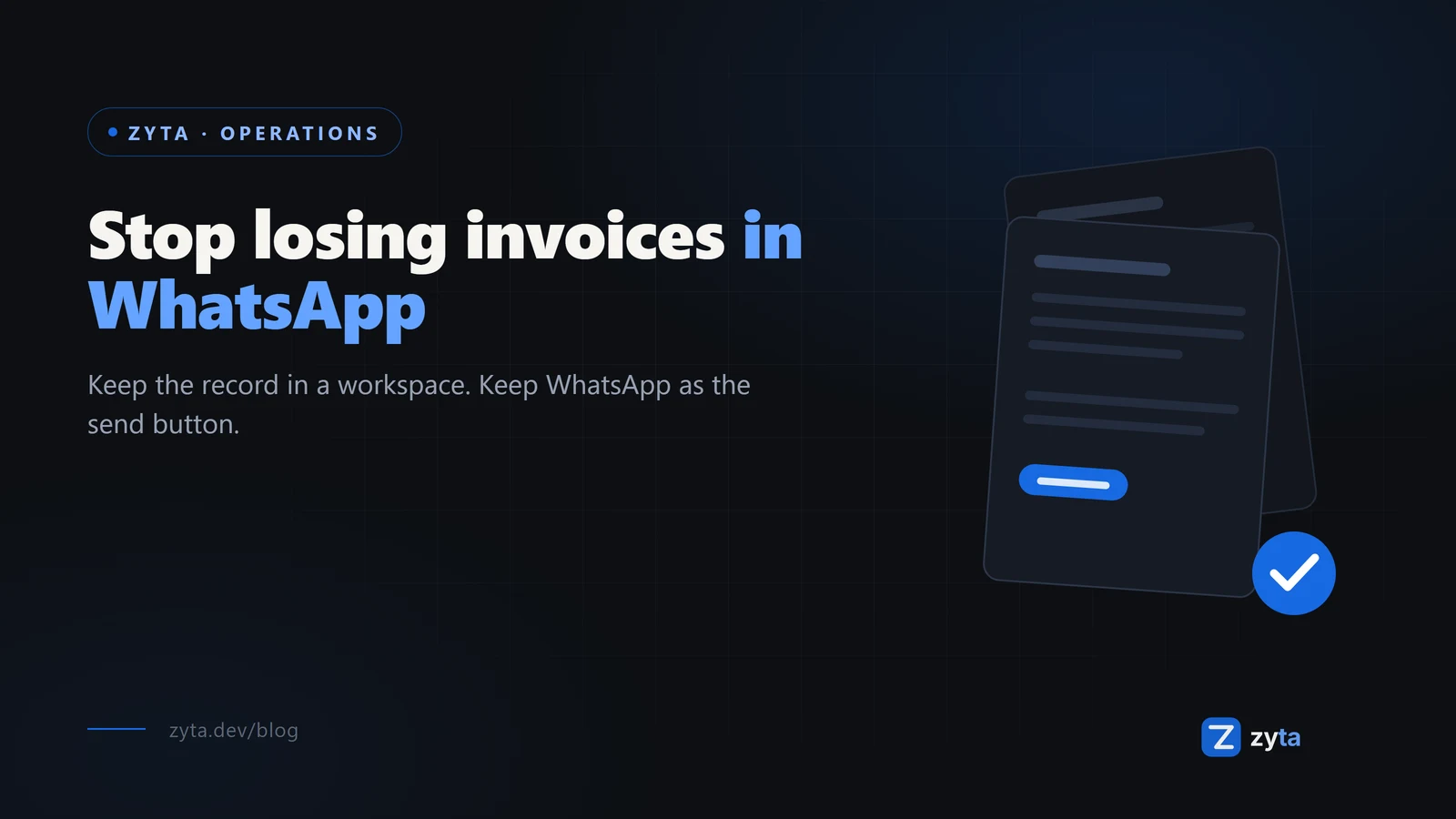
Your GST invoices live in WhatsApp right now, and you already know the cost: the client asks for a copy, and you scroll. This guide shows how to keep every invoice in a system of record without giving up WhatsApp, because the chat is not the problem. Storing your records there is.
In this guide:
- Why invoices die in chats, mechanically
- What a system of record actually changes
- How to keep WhatsApp as the send channel, not the filing cabinet
- Moving over in one working day
Why invoices die in chats
An invoice in a chat thread fails the same three ways every time.
It has no number that means anything. The PDF says INV-042, but nothing connects it to the forty invoices before it or the ones after. When your CA asks about a gap in the series, you are searching chat history by memory.
It has no status. Sent is not paid. In WhatsApp, "sent" is a blue tick and "paid" is a separate message maybe three weeks later, in a different thread, from a different number.
It sinks. Every new message, photo, and voice note pushes the invoice further from reach. Finding it again is archaeology, and the client who is waiting is the one who pays late.
None of this is a discipline problem. A chat is a conveyor belt, not a filing cabinet.
What a system of record changes
A workspace built for Indian small businesses keeps four things a chat cannot:
- A gapless bill book. GST invoices carry audit-safe sequential numbers per bill book, so the series itself proves nothing is missing.
- The job behind the invoice. The work order, the site visit, the evidence sit next to the bill they became, not in a different app.
- Payment state that is not a message. Raised, sent, paid, reconciled. The invoice carries its state instead of the chat guessing at it.
- Search that works. Client, number, date, amount. An invoice is retrievable in seconds, not scrollable for minutes.
Keep WhatsApp, change what it stores
The fix is not leaving WhatsApp. Your clients are there, your team is there, and PDFs on WhatsApp are how business in India actually gets done.
The fix is changing what WhatsApp holds. Instead of the invoice living in the chat, the chat carries a guest link or the PDF, and the record stays in the workspace: numbered, linked to the job, marked paid when the money lands.
Your client opens a branded view of the invoice with no account and no app install. You still hit send on WhatsApp. The difference is that six months later, the invoice is exactly where you left it.
Moving over in one working day
- Raise the next invoice in the system. Do not migrate history on day one. The next bill you send goes through the workspace, gets its proper number, and goes out on WhatsApp like always.
- Send the guest link. Same chat, better attachment. The client sees your brand, not a file buried under voice notes.
- Attach the work. Link the invoice to the work order and its photos so the whole job stays one record.
- Repeat for a week. By the end of the week your current billing is fully in the system, and the chat is just the delivery channel it should have been.
If you would rather not do the moving yourself, that is what setup and migration services are for: records loaded, GST series intact, first real invoices run with your team.
Questions small businesses ask
Do my clients need an account to see the invoice?
No. The guest portal opens the document branded to your business. No signup, no app, no password to lose.
Does it handle GST invoice numbering?
Yes. Invoices follow audit-safe bill-book sequences, the thing your CA checks when the series has a hole.
Should I stop using WhatsApp?
No. Keep sending on WhatsApp, it is where your clients live. Stop storing your business in it.
What about old invoices in chats?
Leave them. They are history, and history is searchable enough in chats for the rare old dispute. The habit that matters starts with the next invoice.
The short version
Invoices die in WhatsApp because a chat is a conveyor belt. Put the record in a workspace that keeps the number, the job, and the payment together, and keep WhatsApp for what it is good at: getting the bill to the client fast. Start free with three users and no credit card, raise one real invoice, and send it the way you always have.